Extended
The Extended page holds the settings most people never need to change: whether your open searches come back at the next start, and how many backups of the configuration njMule keeps. The web interface has the same page.
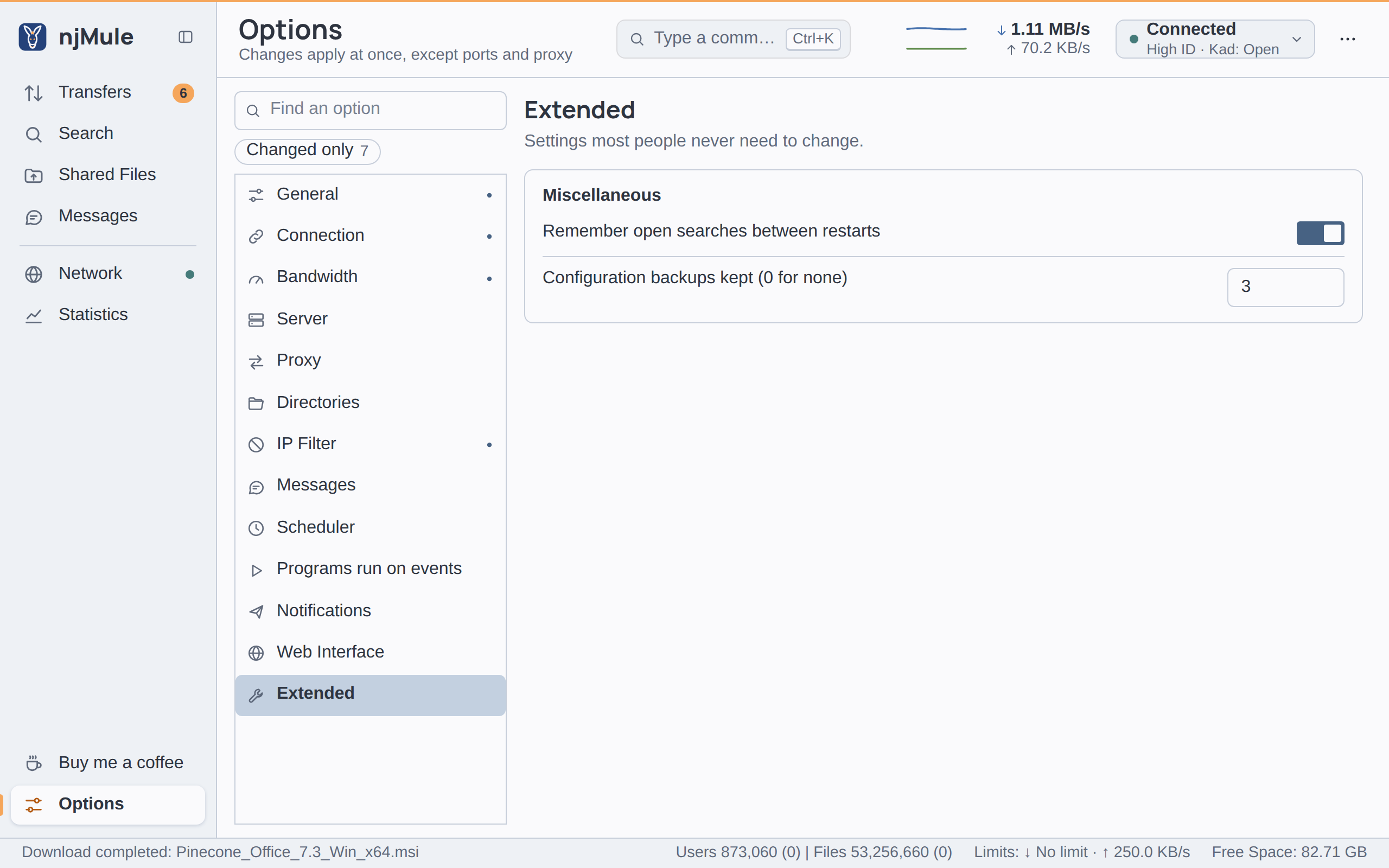
Every option of this page applies at once and is kept in njmule.properties.
Secure identification and credits
njMule always uses secure identification, which proves
to other clients that your user hash is yours and checks theirs, and
credits, which move the clients that uploaded to you up your upload
queue. Neither can be turned off. The keys security.secureIdent and upload.creditSystem stay in
njmule.properties, taken from an eMule profile too, but nothing reads them.
Miscellaneous
| Option | Default | What it does |
|---|---|---|
| Remember open searches between restarts | On | The search tabs left open when you exit come back at the next start, with their results, kept in StoredSearches.met. Key search.store. Also in the web interface. |
| Configuration backups kept (0 for none) | 3 | njMule writes a zip copy of its configuration folder at each exit and once a day, and keeps this many, removing the oldest. 0 writes none. A whole number from 0 to 50. Key backup.copies. Also in the web interface. |
The copies are named njmule-config-<date>-<time>.zip, in UTC, in the backups folder of the data
folder. They leave out the files njMule rebuilds by itself, such as the AICH hash sets and the Kad
index, and the settings of the desktop app, which are kept in a folder of their own. Unless this
option is 0, njMule also backs the configuration up before a new version of itself first uses it.
Backups tells how to restore one.