Run it on your desktop or in your browser
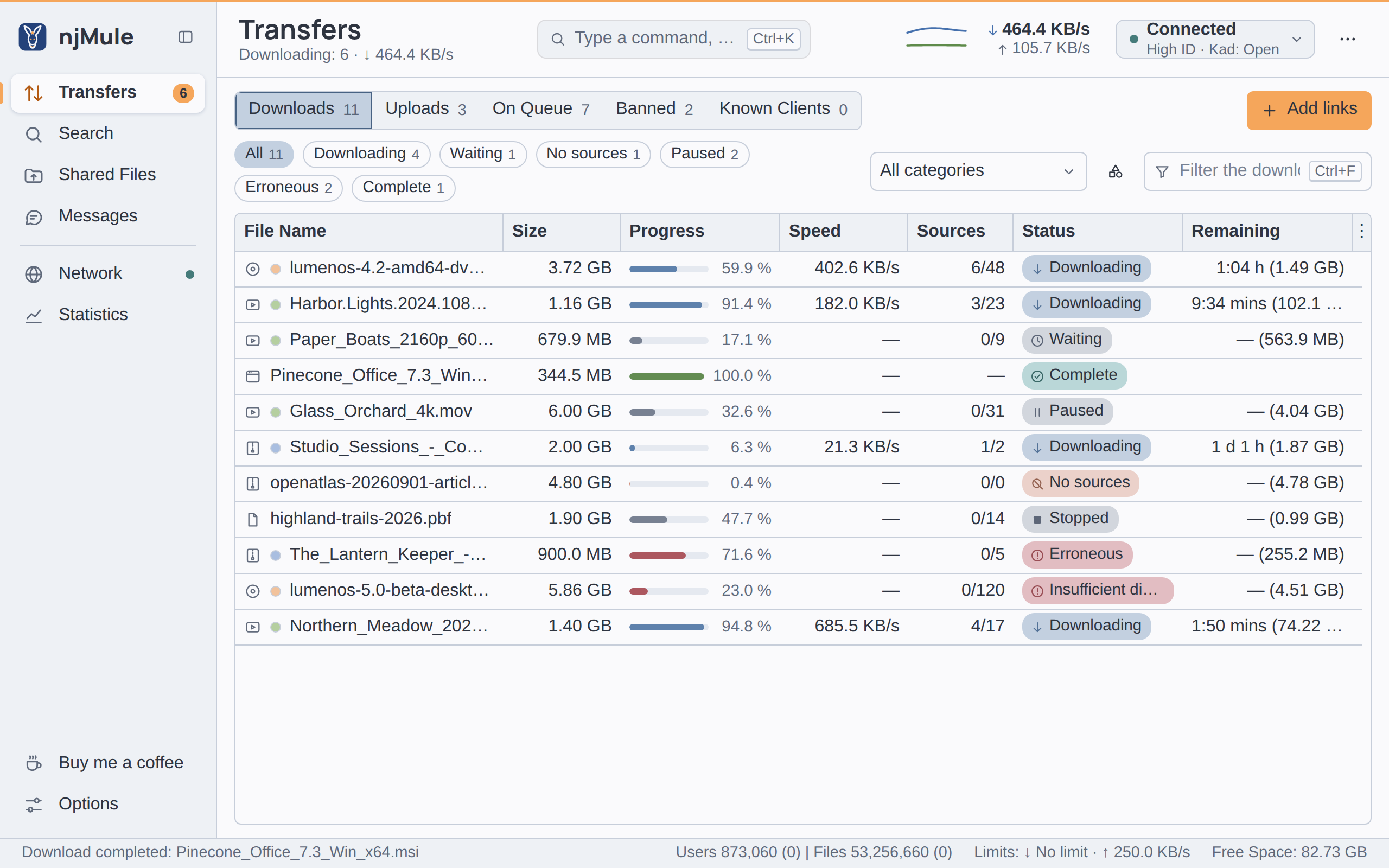
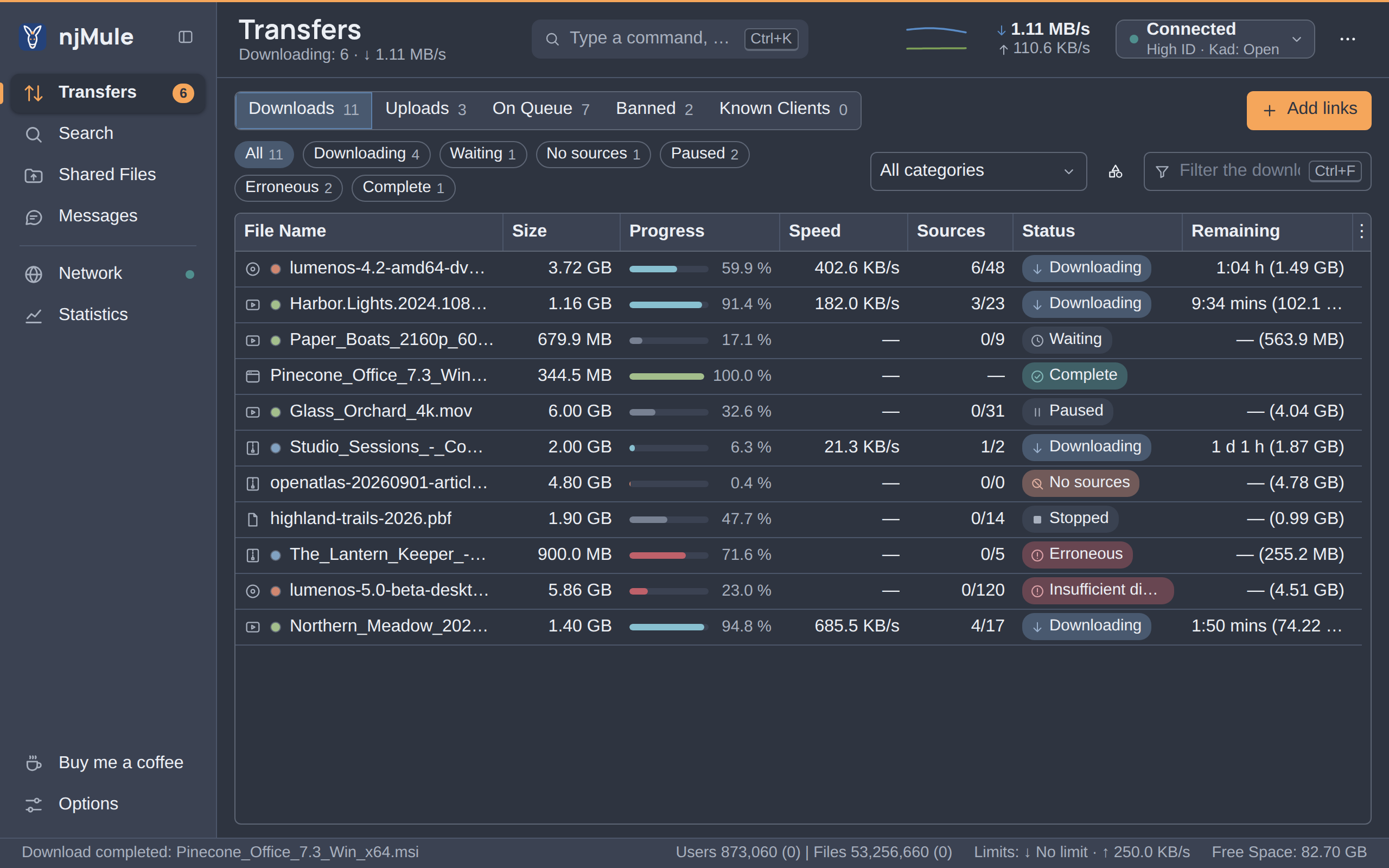
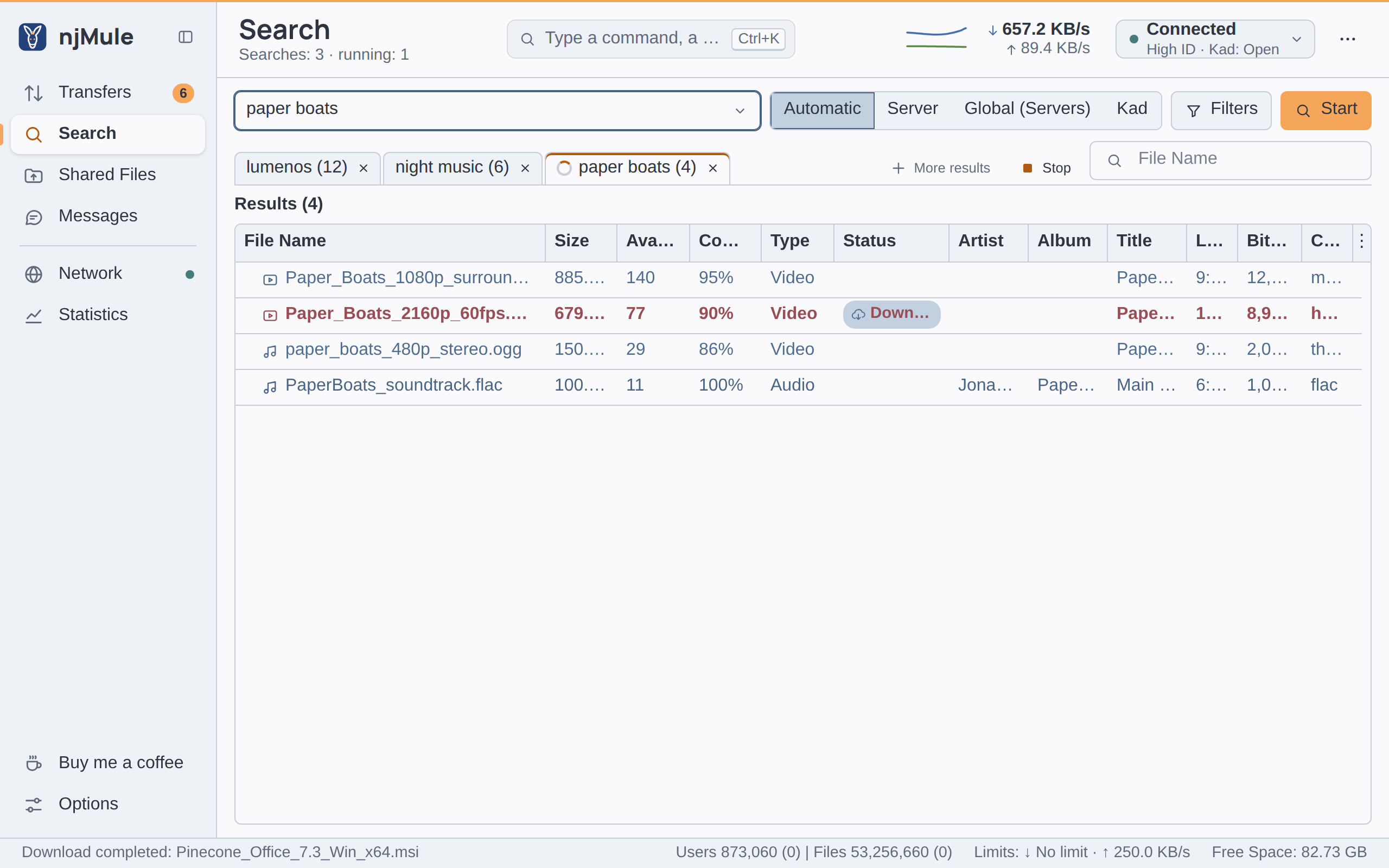
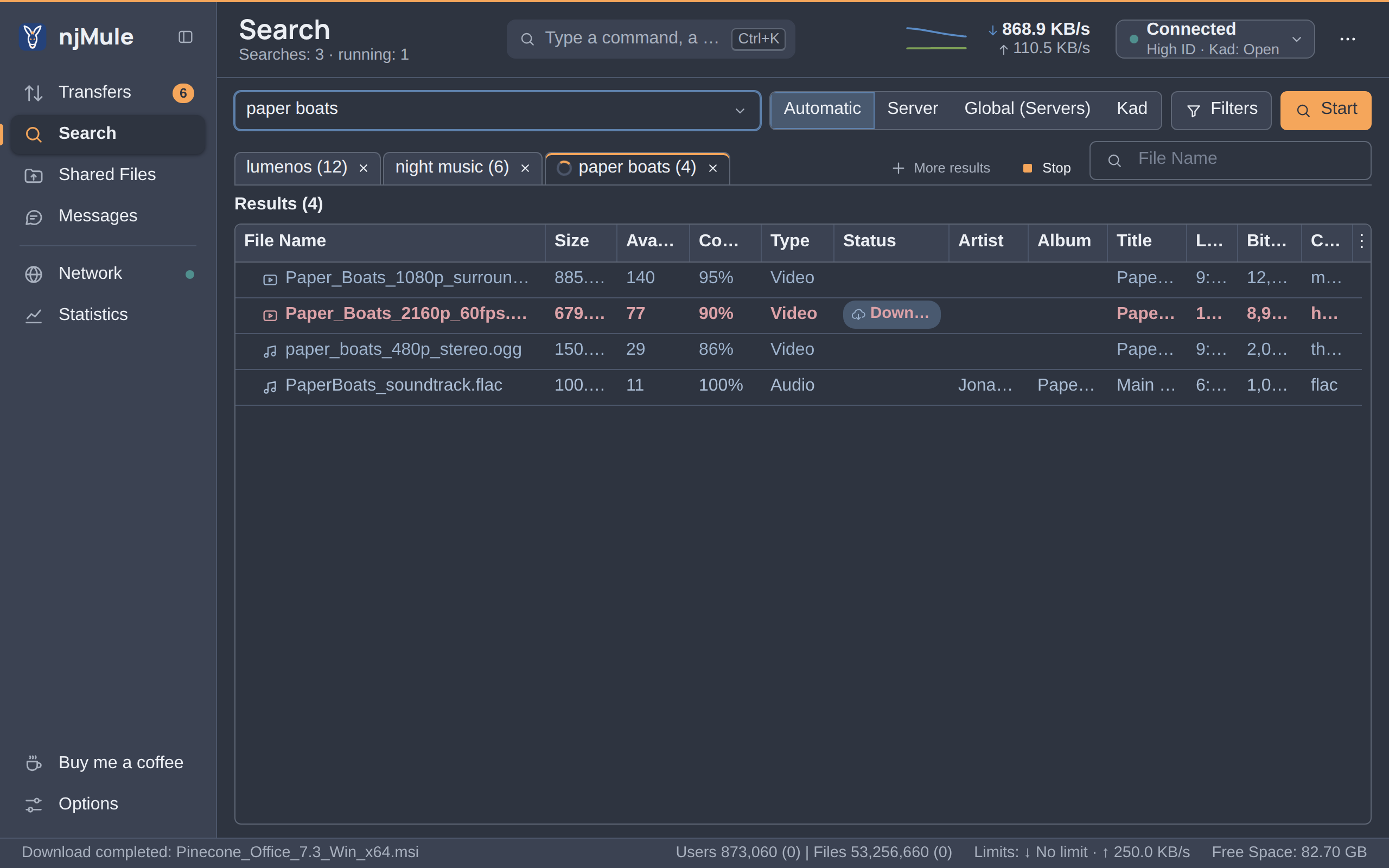
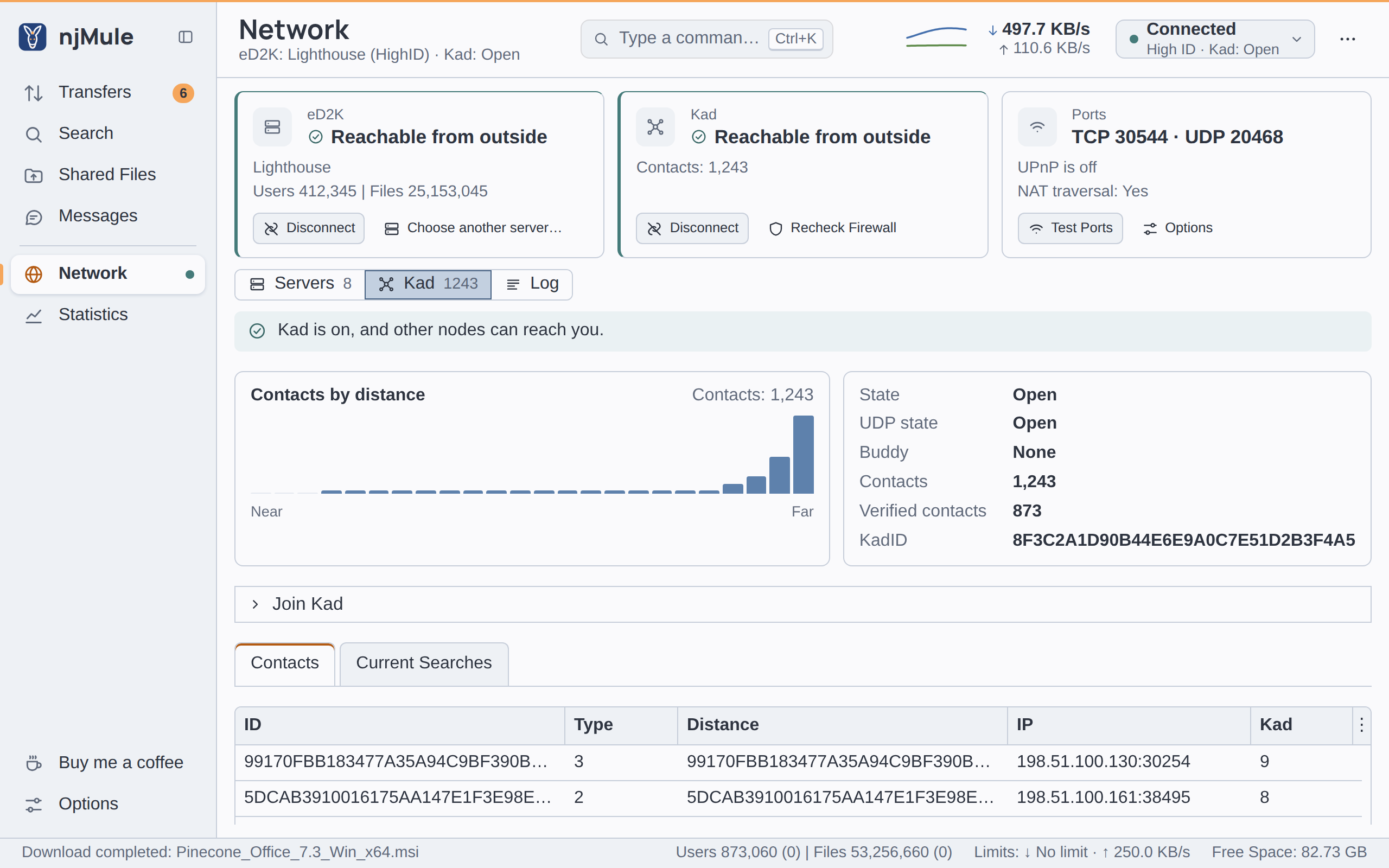
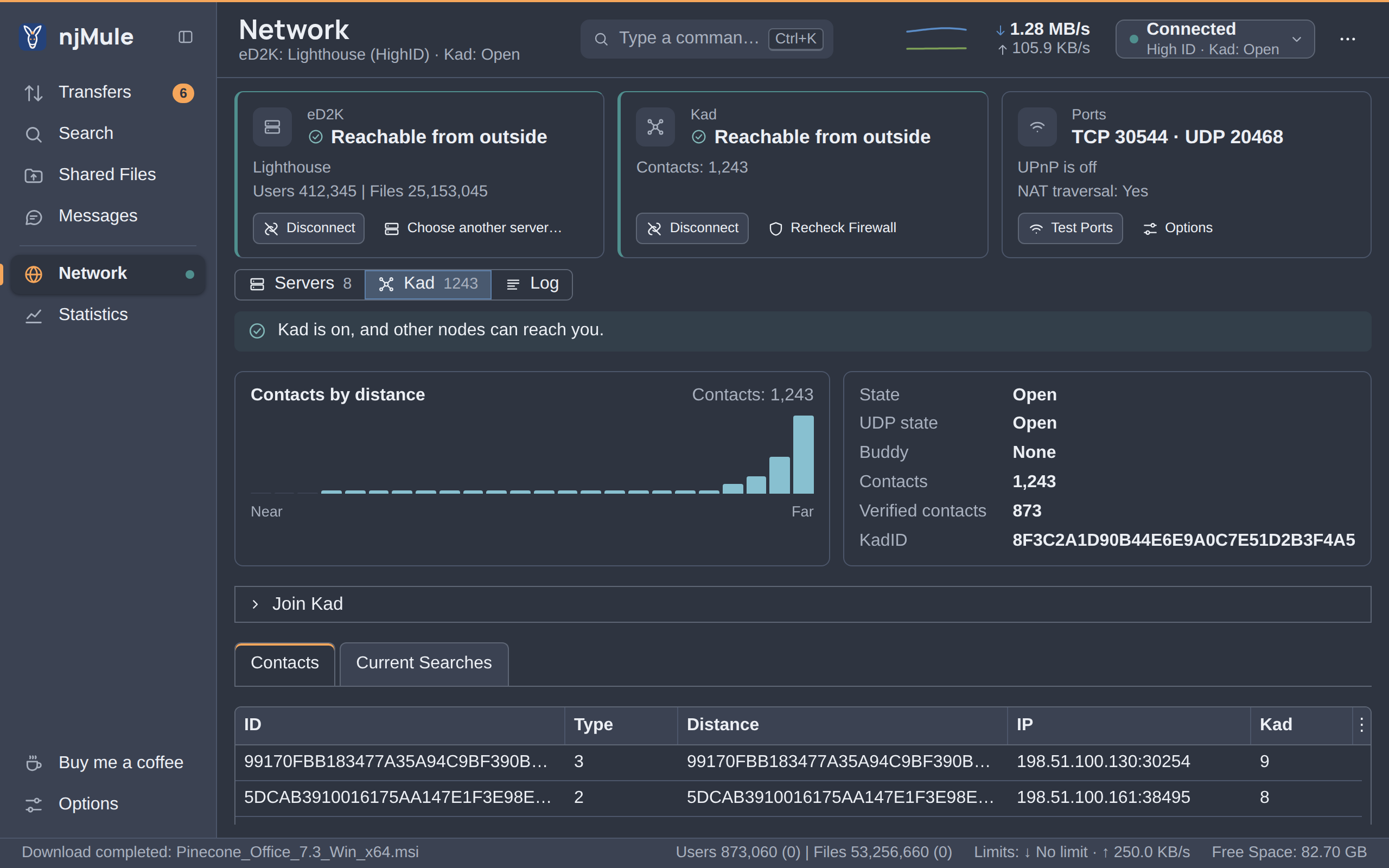
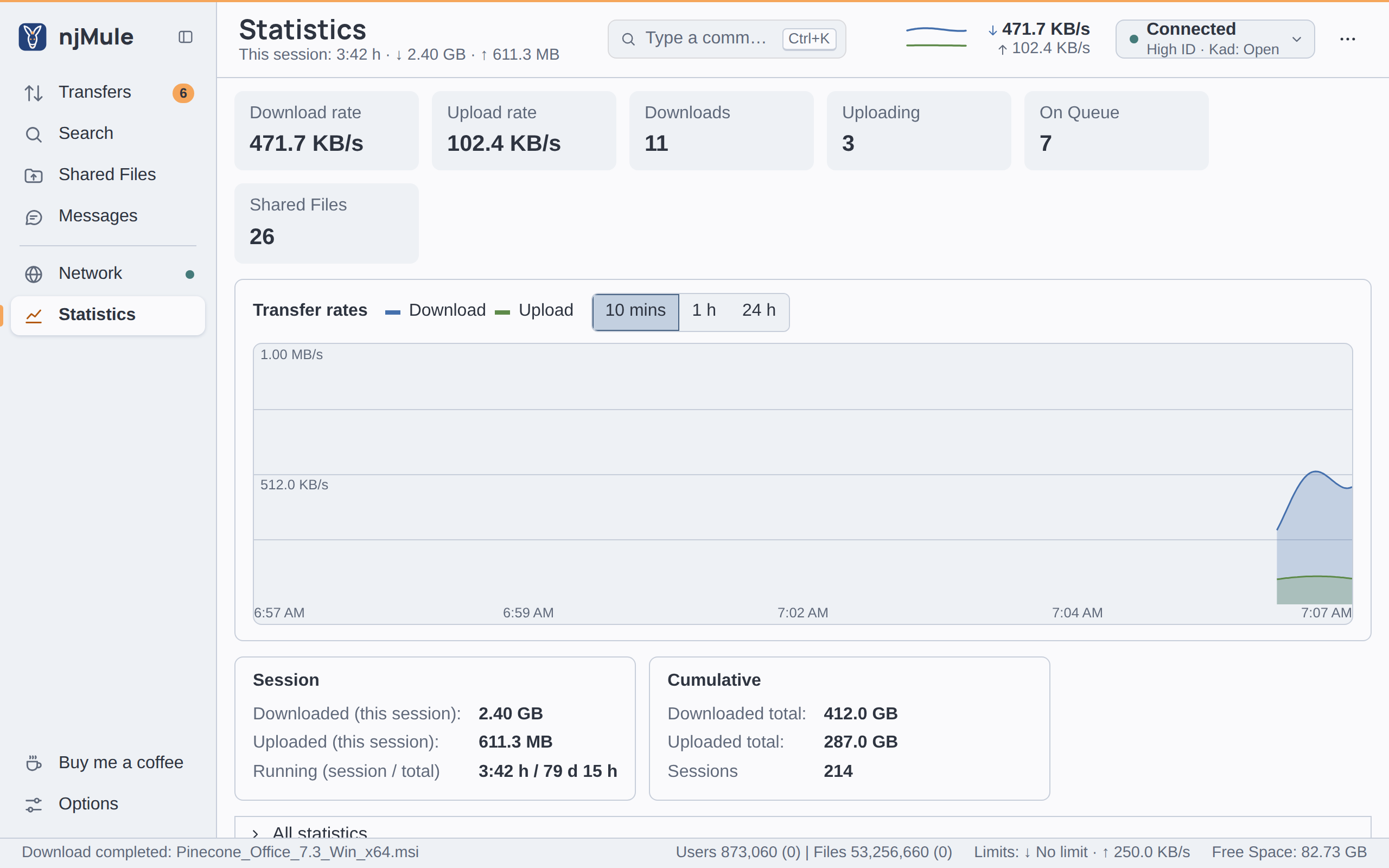
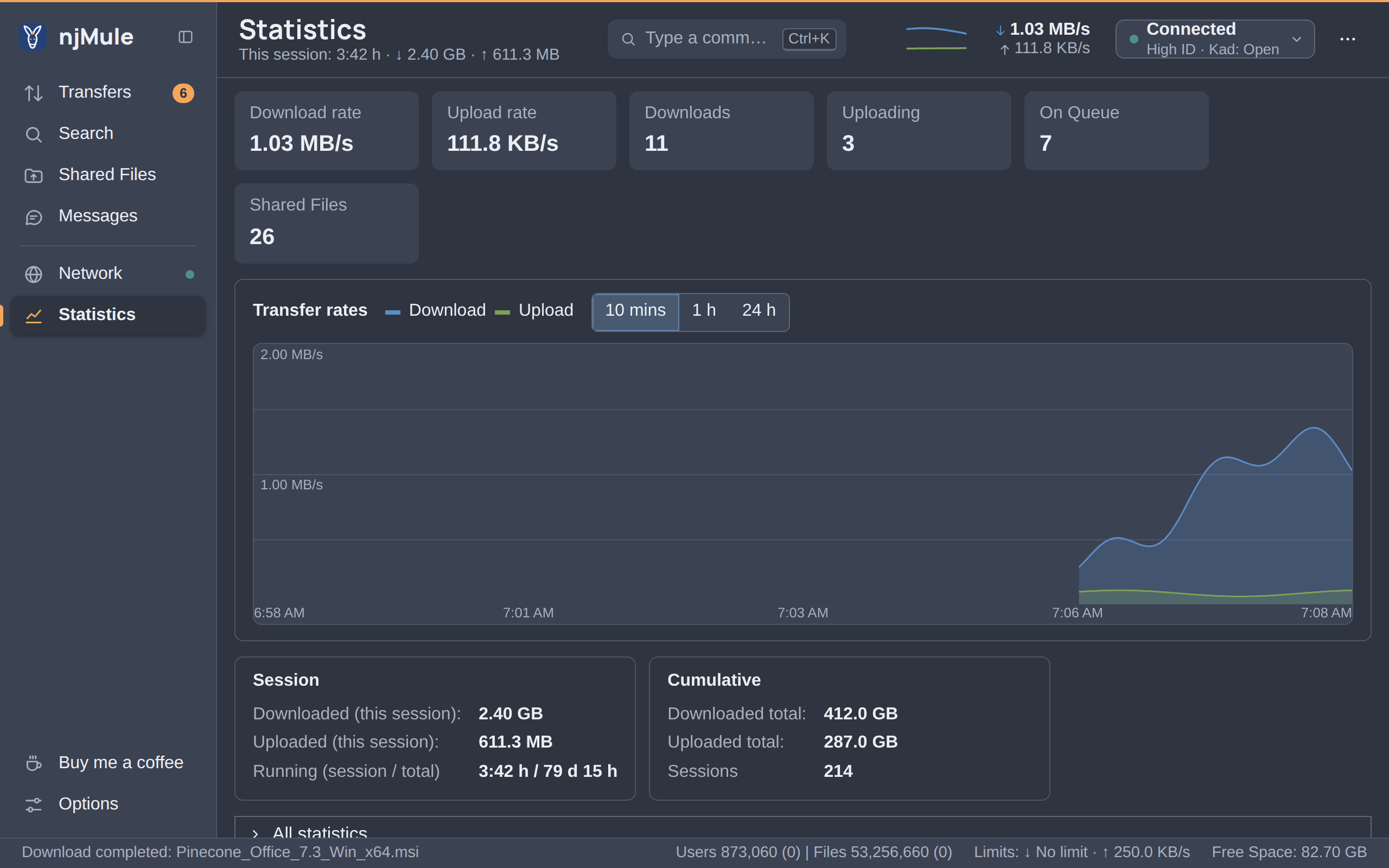
One interface with every screen: transfers with their sources, search, shared files, messages, the network and statistics, in 36 languages. The desktop app shows it in its own window, the web interface in any browser on your network or behind your own reverse proxy, with a read-only guest if you like.
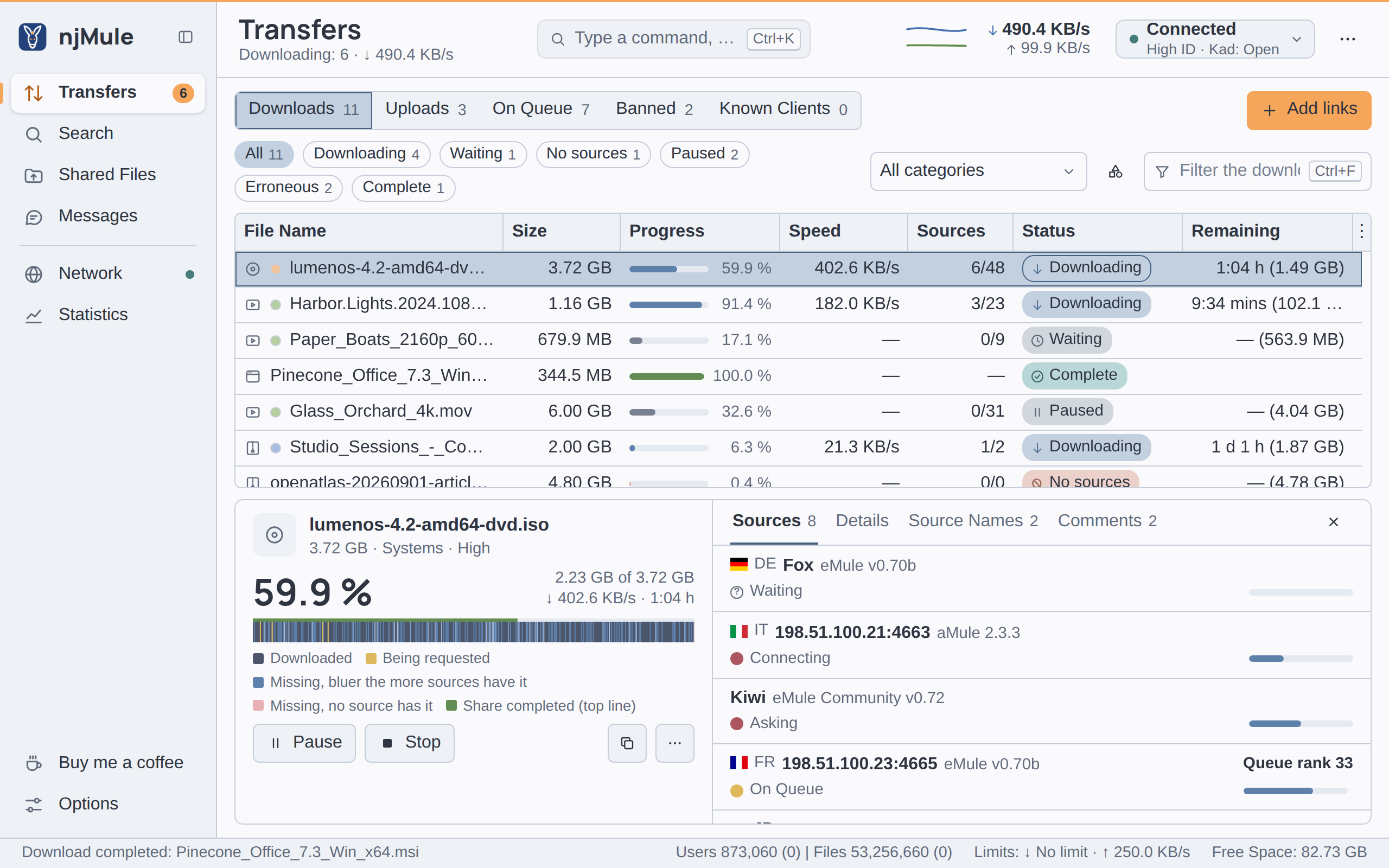
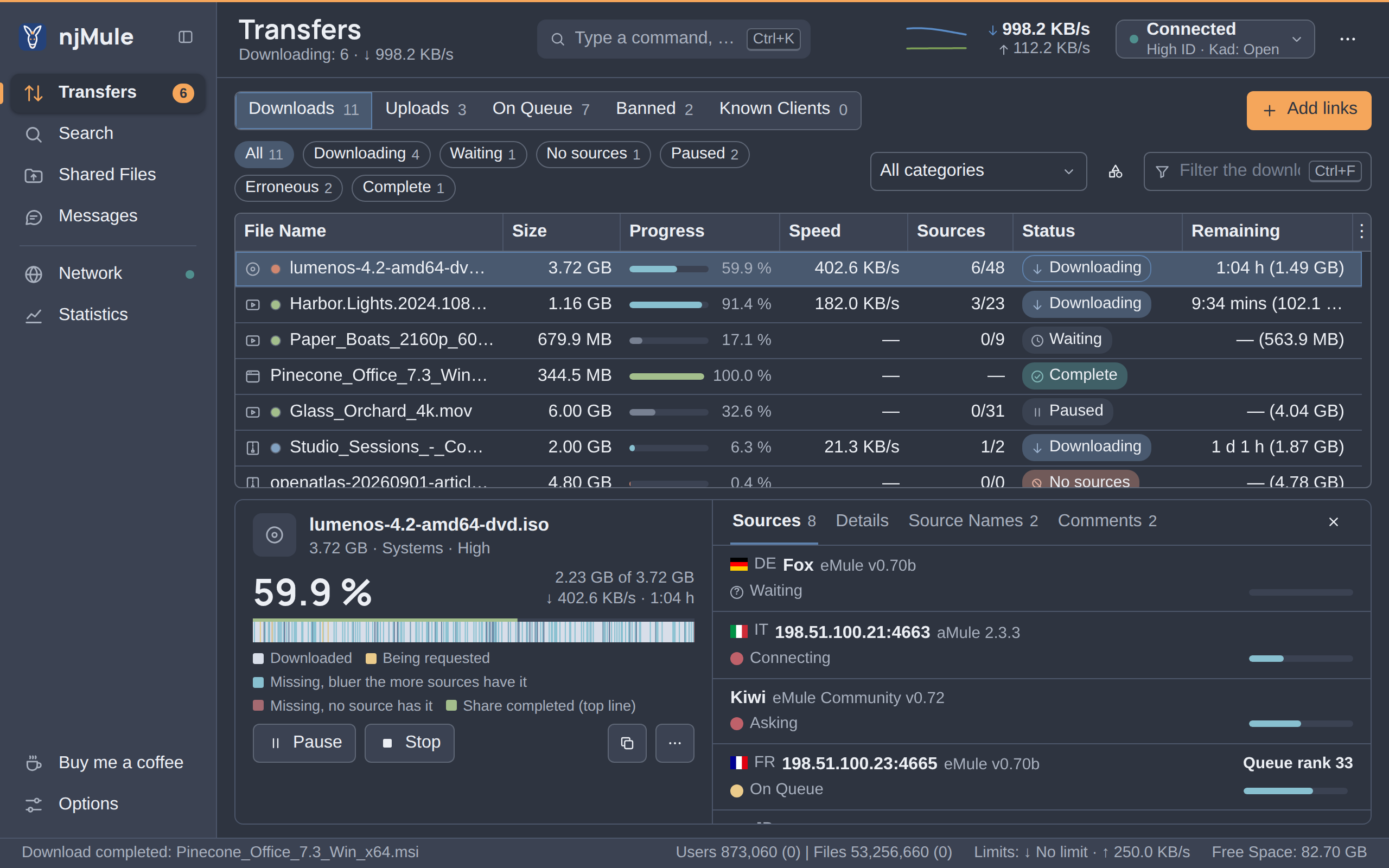
Made for today’s internet
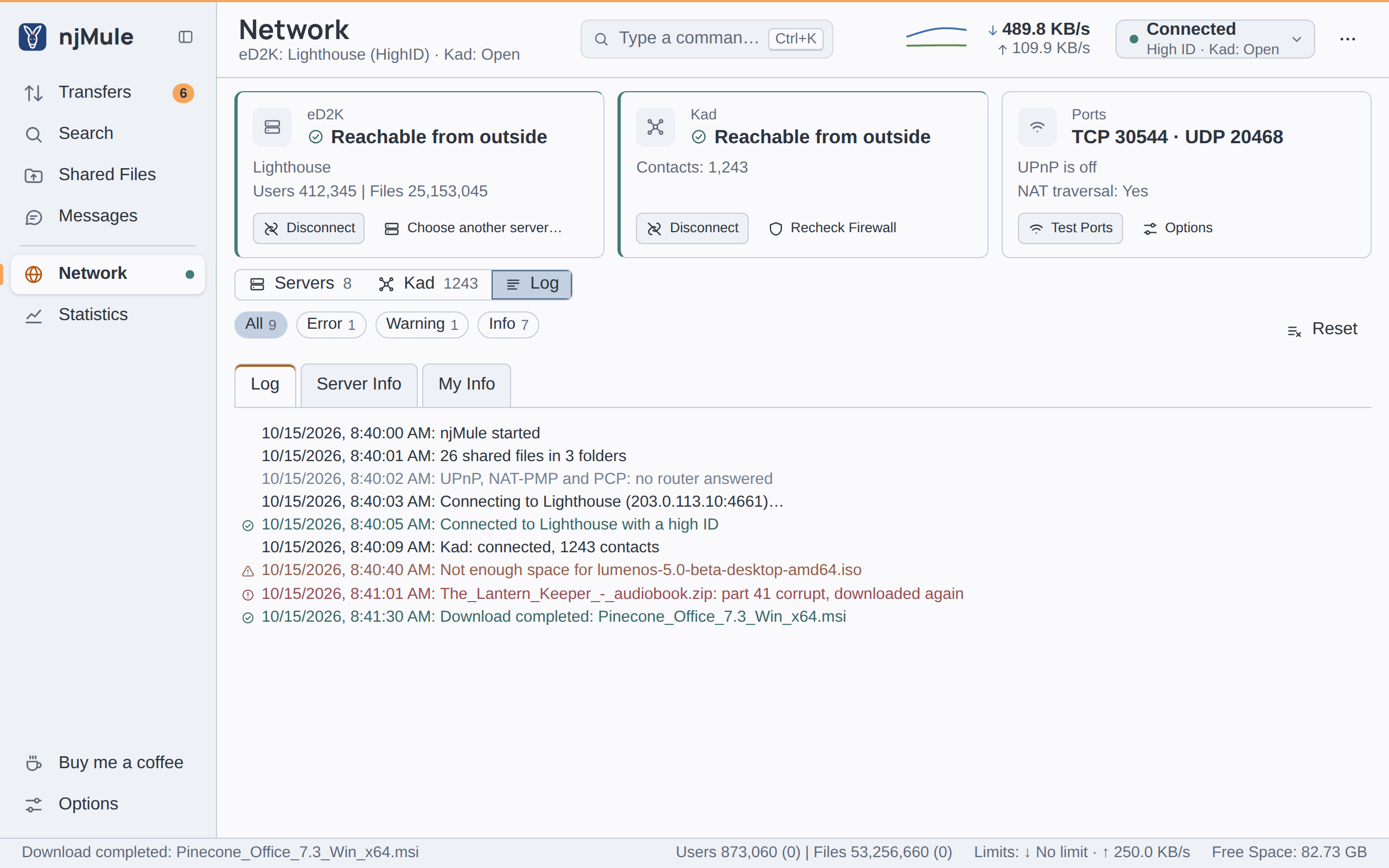
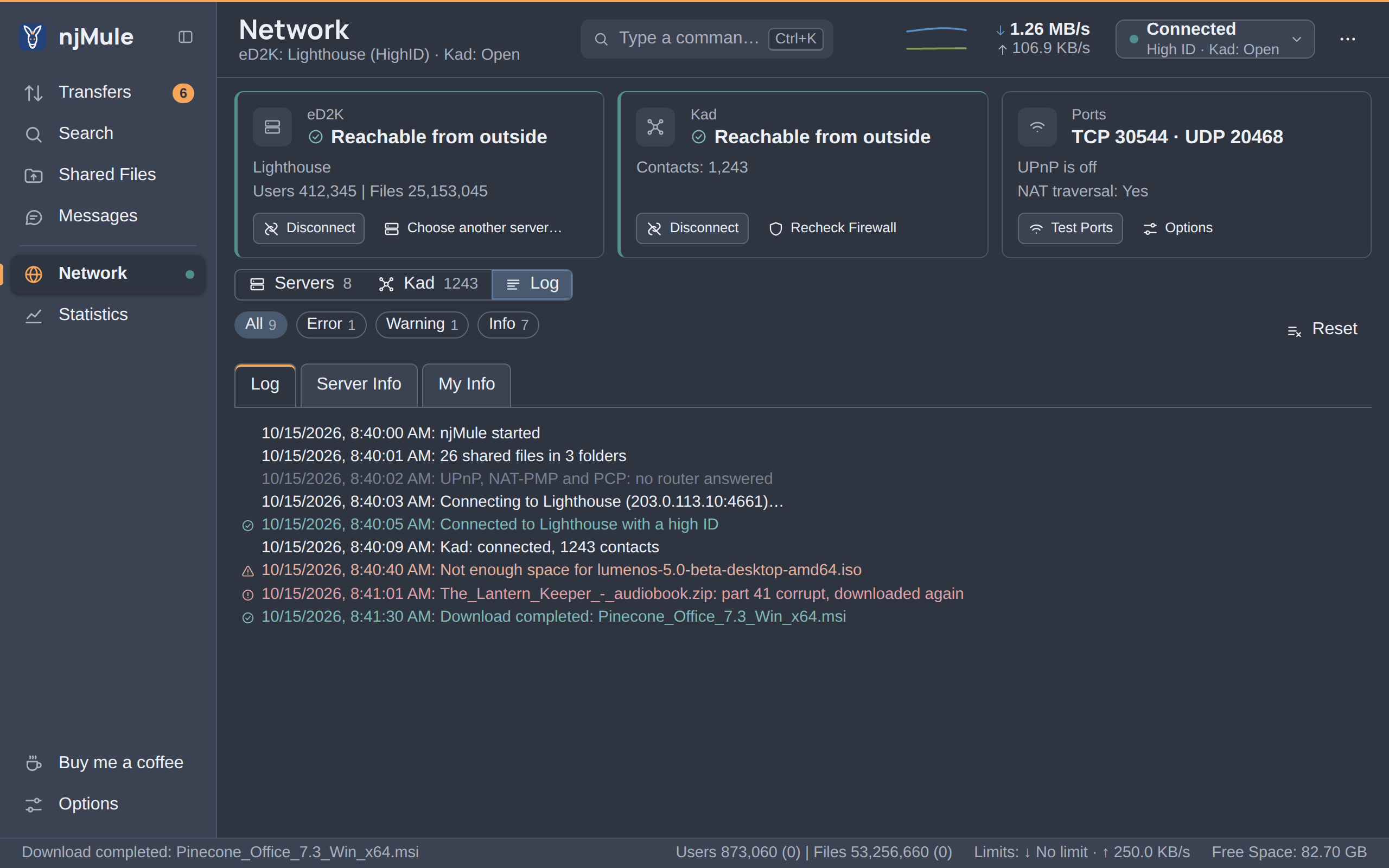
Behind a router, a firewall or a VPN, njMule finds its way to the network and keeps you private.
- Connected High ID · Kad open
Reachable
UPnP, NAT-PMP and PCP open your ports; the port test says whether others can reach you.
2001:db8:7a1::4f2IPv6 and NAT traversal
Clients reach each other over IPv6, and two firewalled ones through uTP or QUIC.
- SupportedRequired
Obfuscated
Hides eD2K and Kad traffic from simple filters, or refuses clients that do not hide it.
- Only through the VPN
VPN kill switch
Bound to your VPN’s network interface, njMule goes offline the moment the VPN drops.
- SOCKS 5 UDP relayed
Proxies, UDP included
SOCKS 4 and 5 or HTTP CONNECT; through SOCKS 5, Kad and server searches travel too.
- Ctrl + K
Command palette
Places, commands, searches and links, all from one field.
- 36 languages
In your language
Thirty-six of them, the right-to-left ones mirrored as they should be.
- Signature verified
Signed updates
New versions are checked against their signature before they install, and roll back if they fail.
First, it finds your eMule
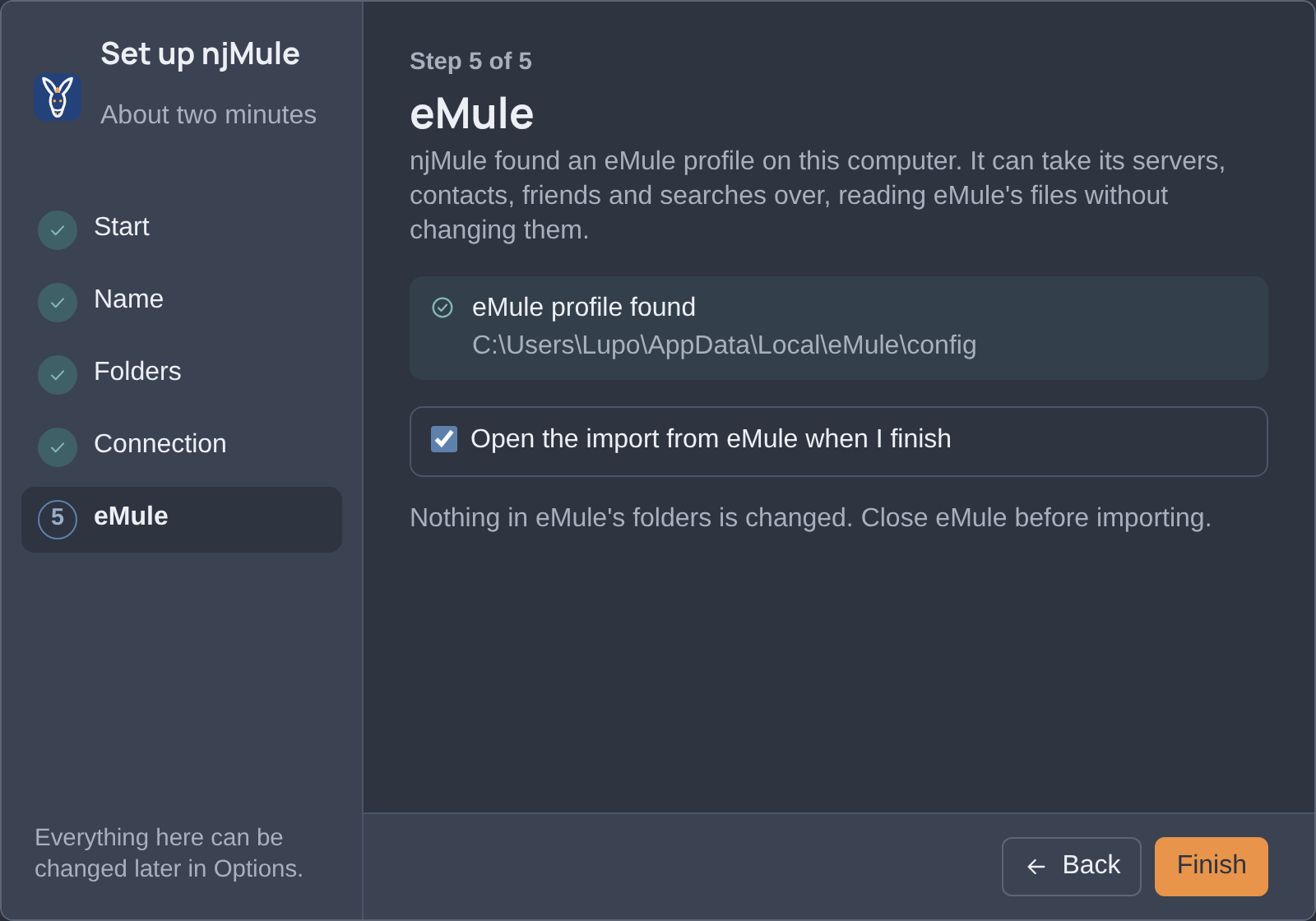
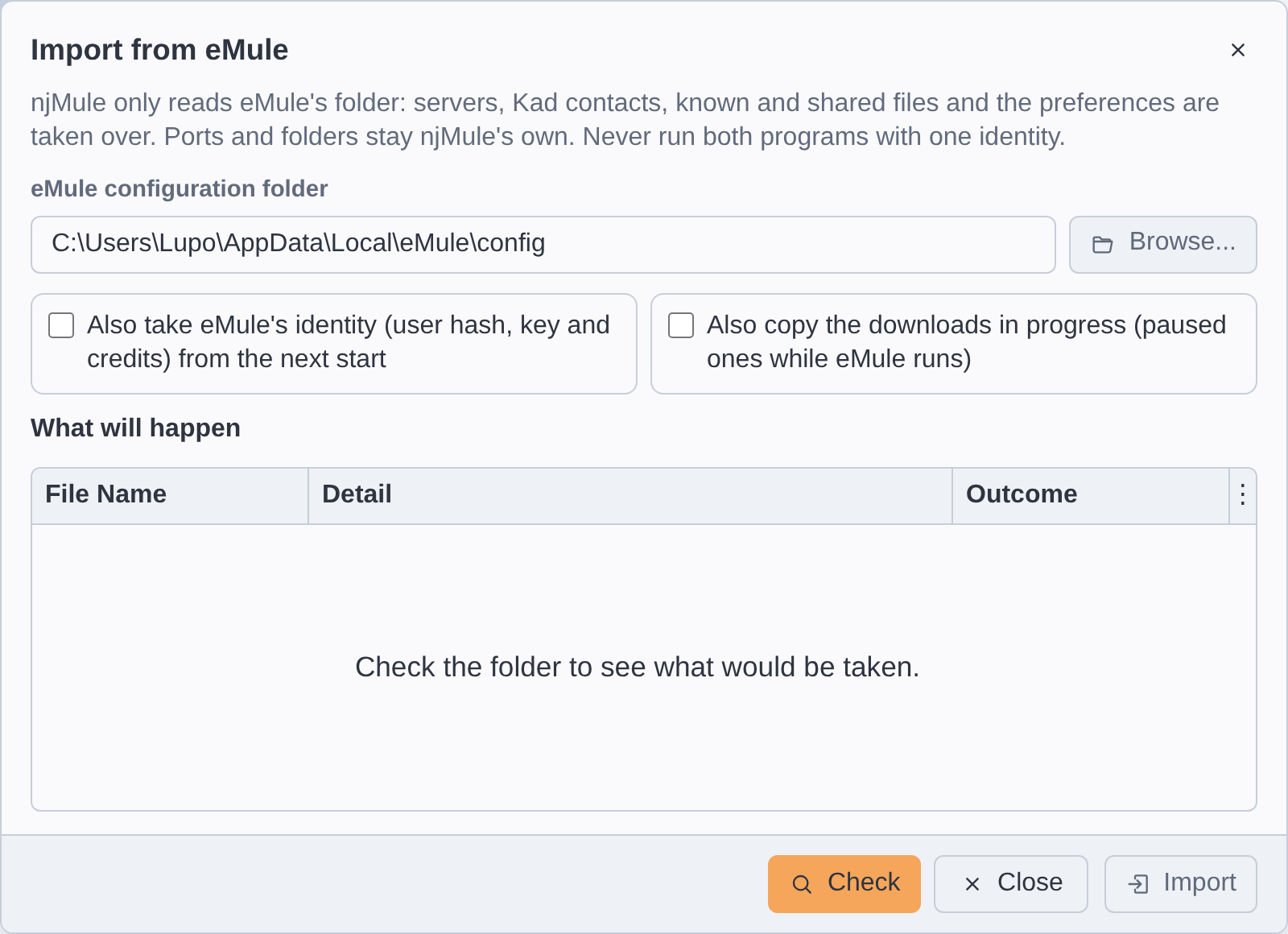
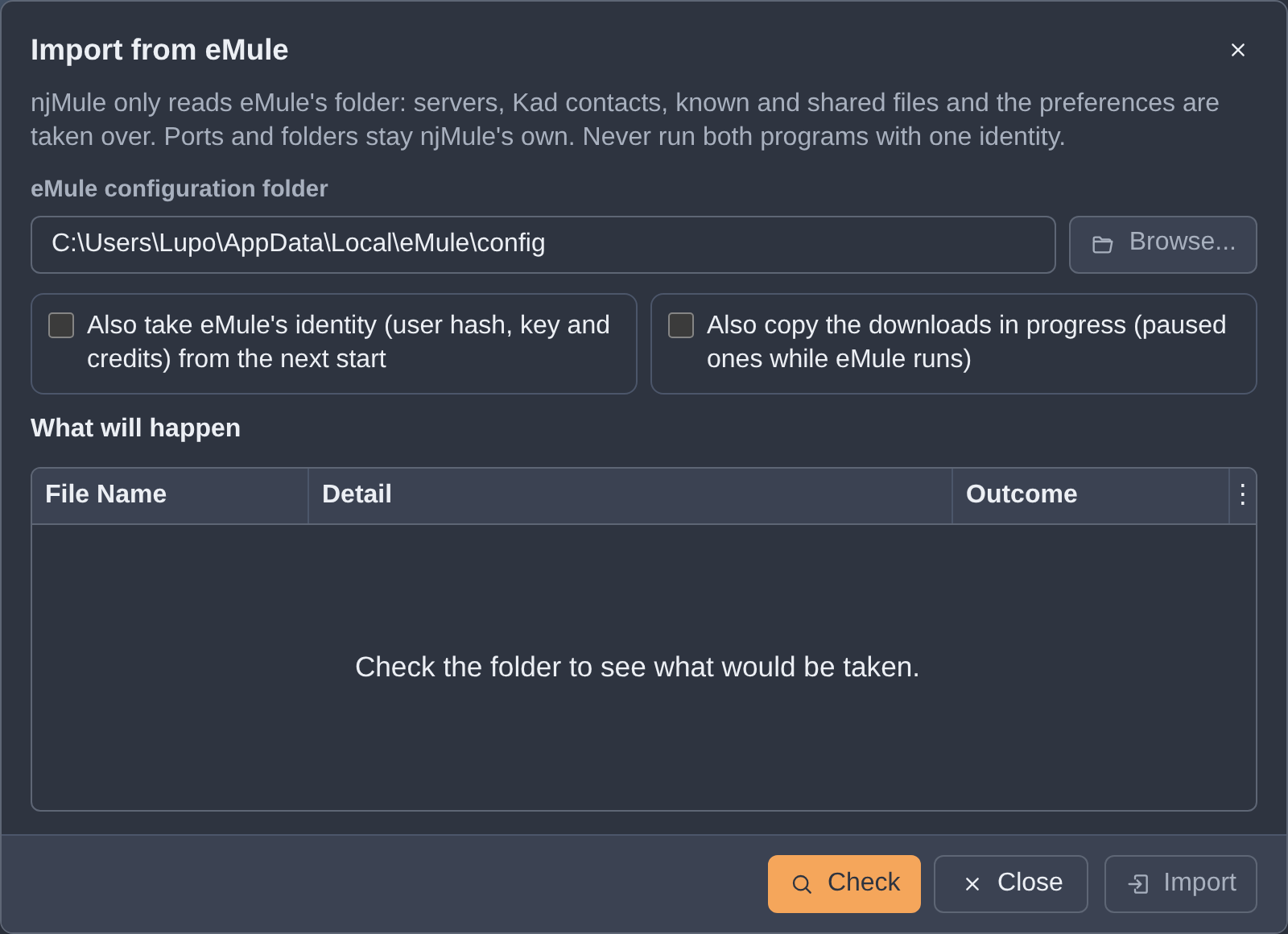
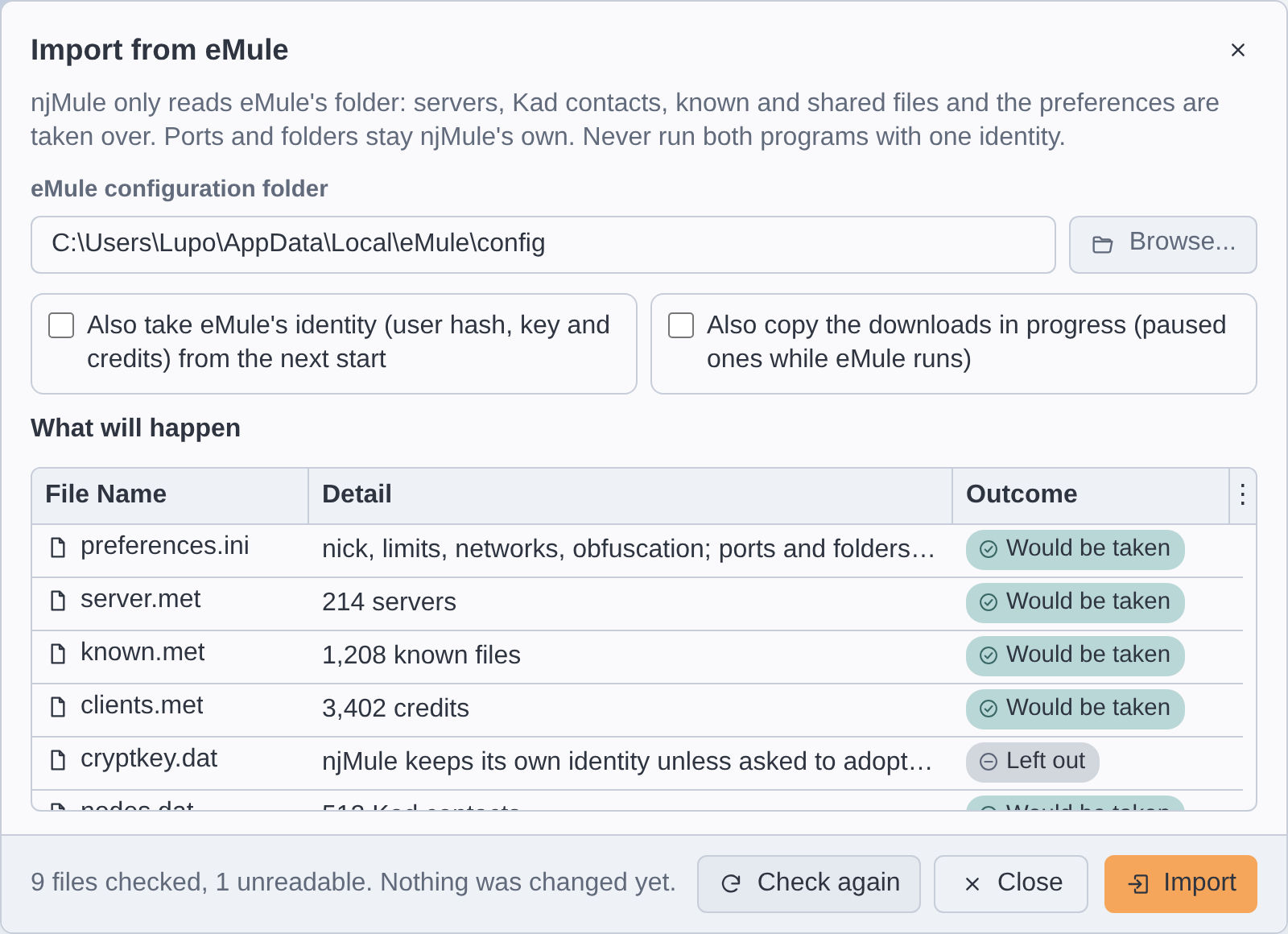
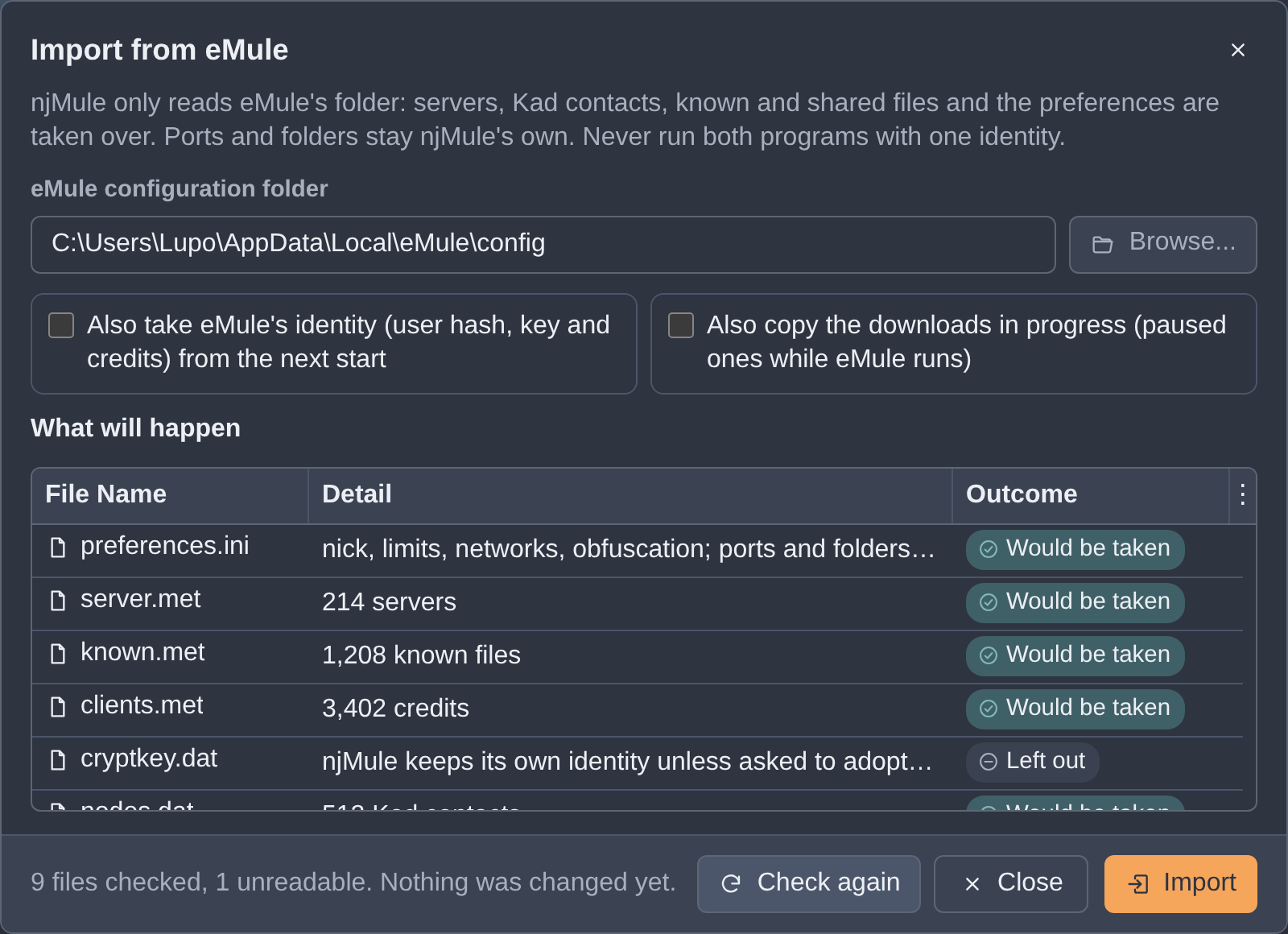
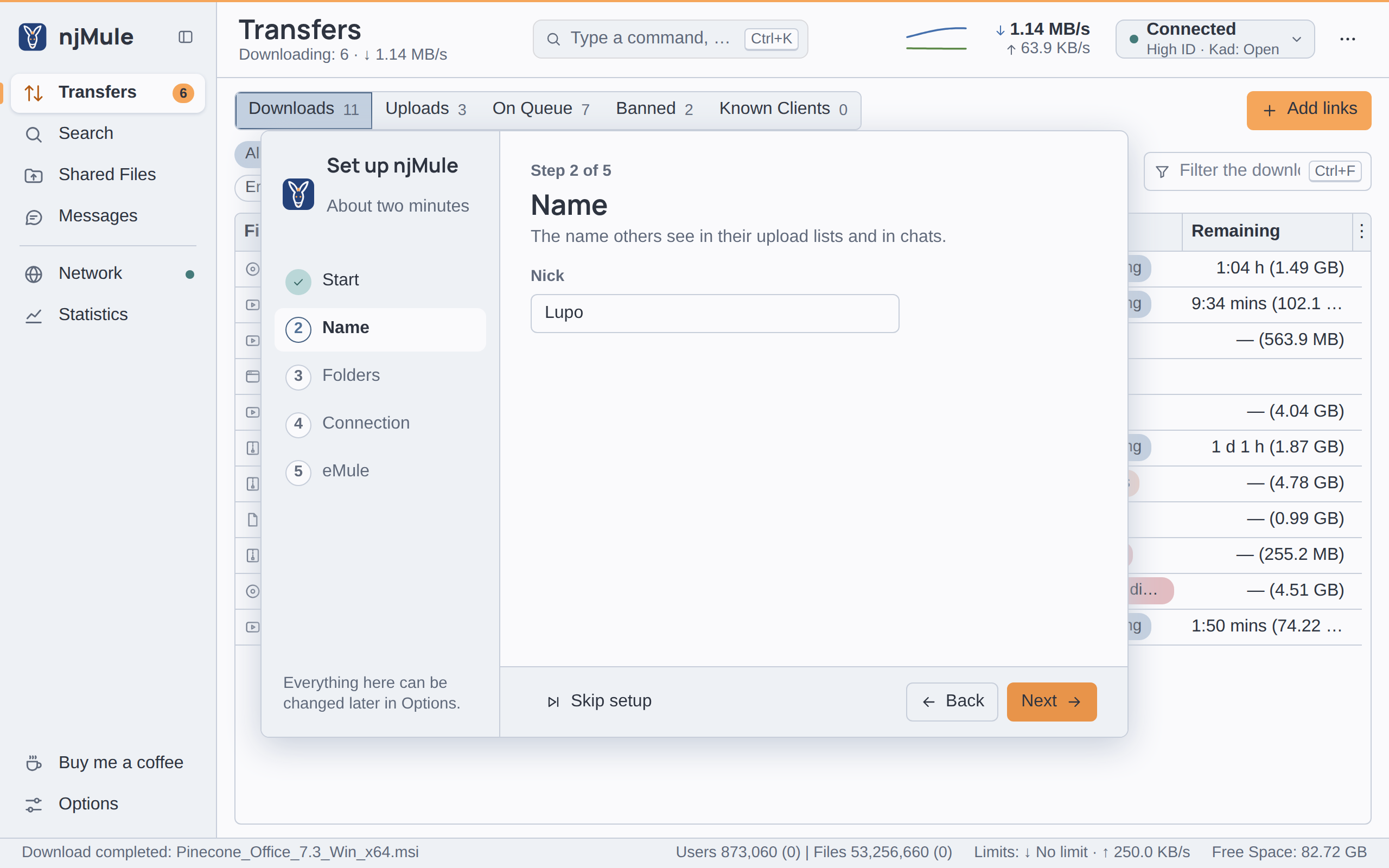
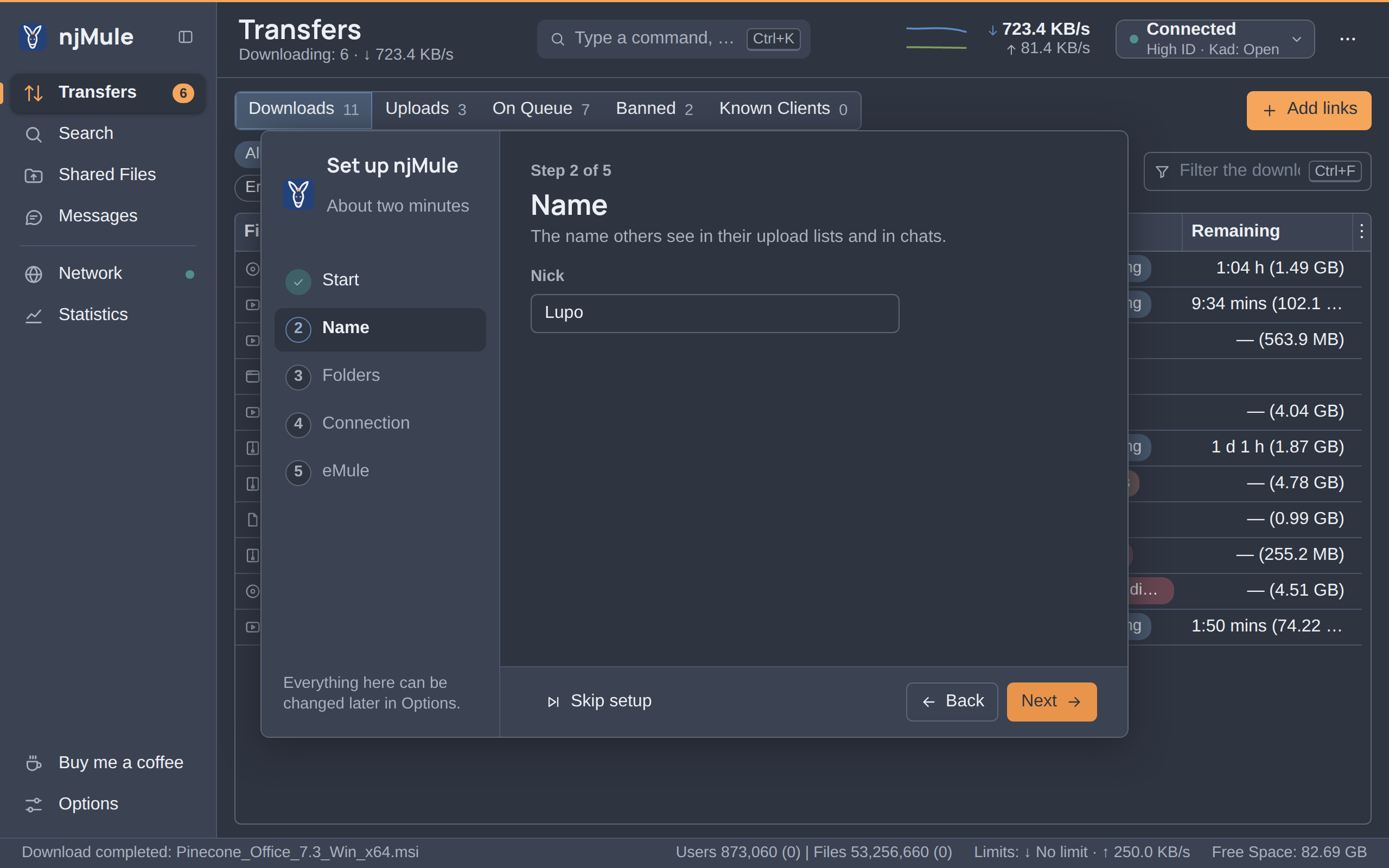
At its first start njMule looks for an eMule profile on this computer and offers to bring it along.
How the import works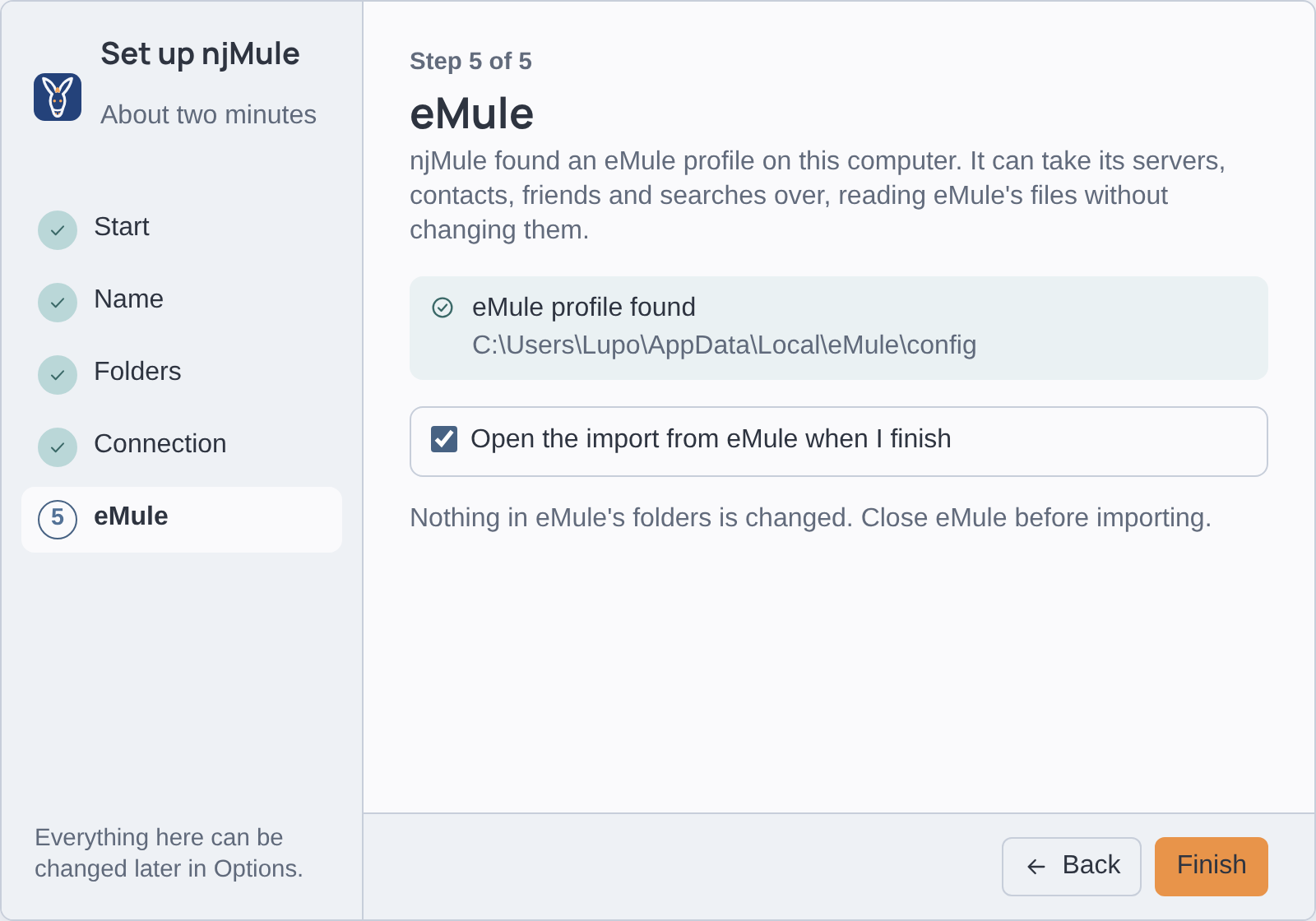
Install
Native executables everywhere: no Java to install. The system you are on is already chosen.
Installed with a double-click
Download the installernjmule-0.3.1-windows-x64.msi- x64, Arm64 in emulation
- No administrator rights
- Also as a Windows service
In three steps
Download the installer.
Double-click it (if SmartScreen stops it: More info, then Run anyway), or install it from a terminal:
msiexec /i njmule-0.3.1-windows-x64.msiStart njMule from the Start menu: the first-start wizard offers to bring your eMule along.
- Signed minisign signature of the checksums
- Checksums SHA-256 of every file
- Bill of materials every library inside, in CycloneDX
- How to check a download Every version on GitHub
Find your way
- Getting startedInstall, the first-start wizard, your first download.
- Desktop appEvery screen, menu, shortcut and theme.
- Web interfaceTurn it on, keep it safe, put it behind a proxy.
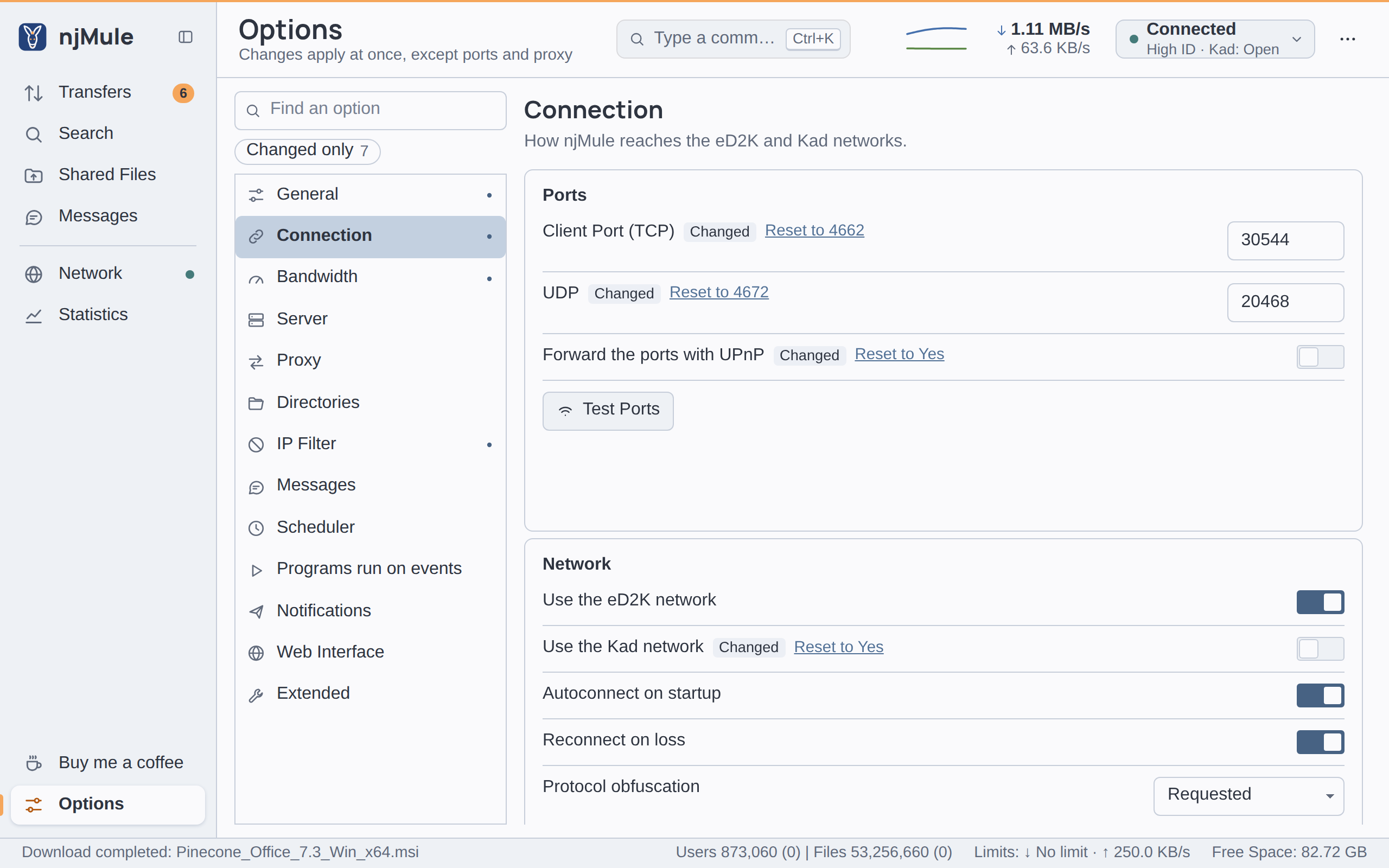
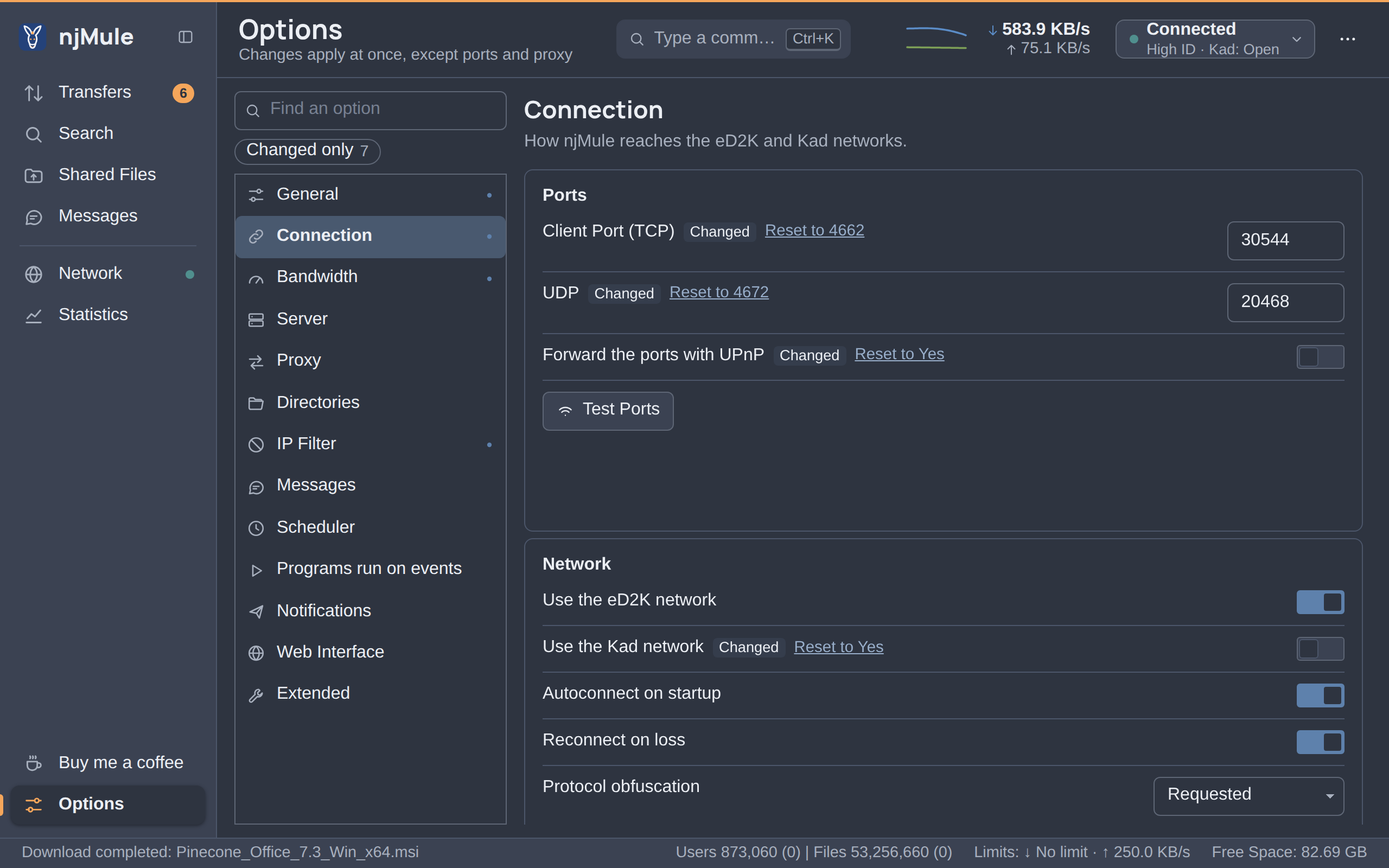
- OptionsEvery setting of every page, with its default.
- Headless and serversThe command line, services, Docker and remote control.
- Developers and APIBuild njMule, change it, or drive it over HTTP.
curl -H "Authorization: Bearer $TOKEN" \
     http://127.0.0.1:4711/api/v1/downloads

[{"name": "Paper_Boats_2160p_60fps.mp4",
  "size": 712934400,
  "status": "downloading",
  "sources": 9, …}]
Start sharing in minutes
njMule is free software under the GNU General Public License: no account, no advertising, and every line of it on GitHub.
njMule works with the eMule network, its clients and its servers. It is not affiliated with the eMule project, whose authors it thanks. Share only what you have the right to share.